- To access the Team Members section, click on your Organisation Name located in the top taskbar on Fifopay.
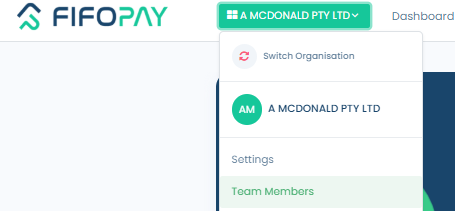
- This section will display all current users associated with your facility on Fifopay, along with their login history. To add a new user, simply click on the "Add a Team Member" button.

- Next, provide the necessary details for the new user, making sure to include a phone number. This is essential because Fifopay employs Multi-Factor Authentication, and a verification code will be sent to the provided contact number.
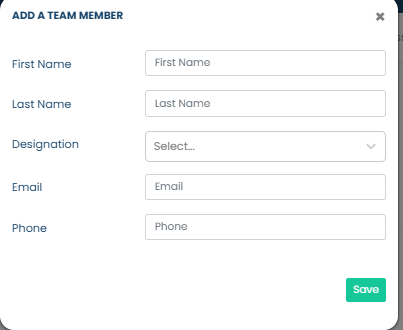
- After saving the user, they will be added to your Team Member list. To send the user an invitation containing their login details, click the three dots next to their name in the list.