
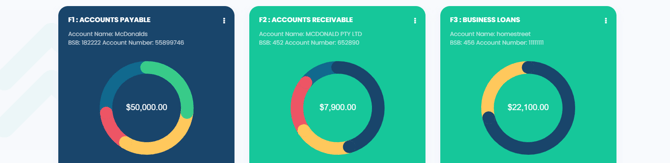
- From the main dashboard, locate the circular widget and select the amount displayed inside it to open the relevant facility.
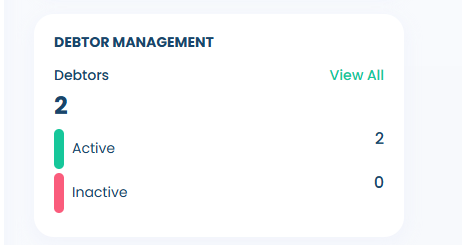
- From here, select View All under Debtor Management on the right-hand side of the screen
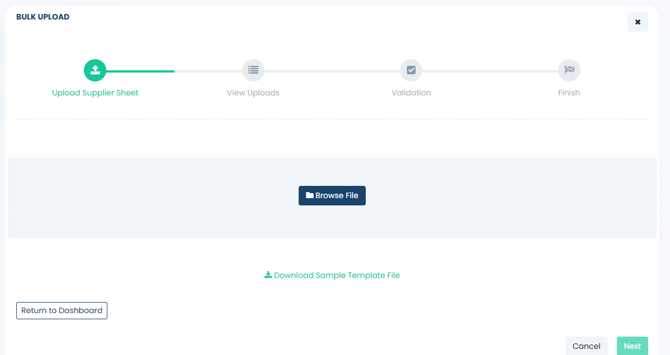
- From here, scroll to the bottom of the page & select the Bulk Upload prompt to begin.

- Download the sample template file and complete all required fields. When finished, save the file and upload it using the Browse File icon, clicking Next, once completed.
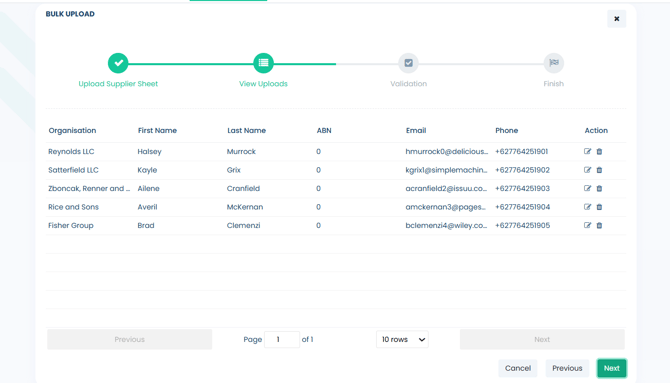
- From here, a list of debtors from the Excel file will be displayed. Please review each entry to ensure the data has been uploaded correctly. To edit or remove a debtor, use the corresponding icons on the right-hand side of the debtor list. Once you have finalised the debtor list, click Next to continue.
-
In the next validation step, Fifopay will cross-check the data to ensure there are no errors. If any issues are identified, you will be prompted to correct them at this stage; otherwise, select the Upload icon to proceed.
-
If you encounter any issues with these debtors not appearing on your facility, please refer to the following article for assistance:
Mapping Suppliers (Debtors).