
Here's how
Step 1: Add an invoice for early payment
Once logged into Fifopay, simply use the "Add Invoice" button and follow the steps.
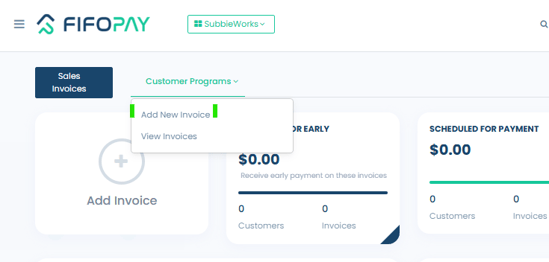
Add New Invoice -including the date you'd like to be paid, attach the invoice, select "Next", then enter your name and "Submit".
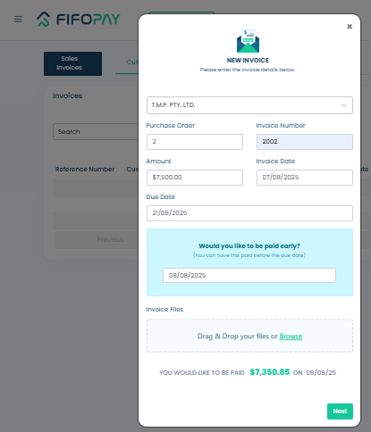
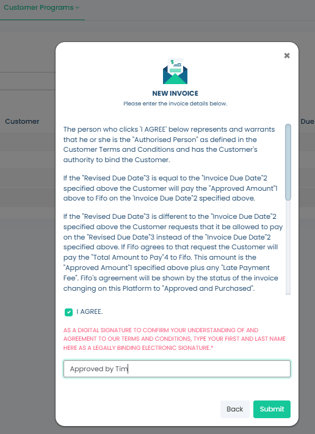
The final step requires you to agree to the terms and conditions.
The "Pending Customer Approval" window confirms the invoice is now awaiting approval by your customer.
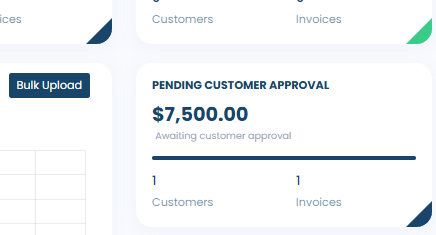
Note: Your customer will be notified by email when an invoice is added for payment. They’ll be prompted to review and approve it, with timing dependent on whether the work has been inspected or the goods deliver match what's on the invoice.
Step 2: Customer signs off the invoice
After you add the invoice, your customer will be notified to review and approve it. For quicker approvals, we suggest you check with your customer on their usual sign-off process timeline.
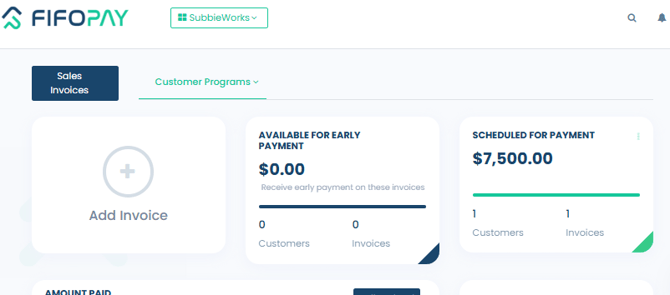
Step 3: Invoice payment
Once they've approved the invoice, the payment will be scheduled to occur on the requested payment date, or, the next business day following their sign-off.
Why not ask other customers to register in Fifopay?
If you know of other customers that might be interested is using Fifopay to help your business access early payments.
Call Fifo Capital today on 1300 852 556.
Did this answer your question?