
Navigate to Fifopay via https://client.fifopay.com/client/login and log in using your credentials. If you have forgotten your password, select "Lost your password?" at the login screen and follow the prompts.
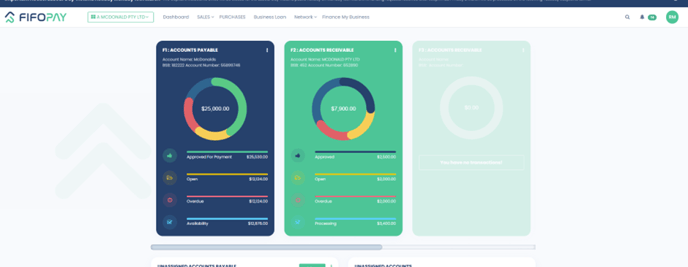
Go to the Dashboard which is accessible via the top menu ribbon and click on your facility widget. If you have more than one facility, you'll need to select the widget that corresponds to the facility statement you wish to generate.
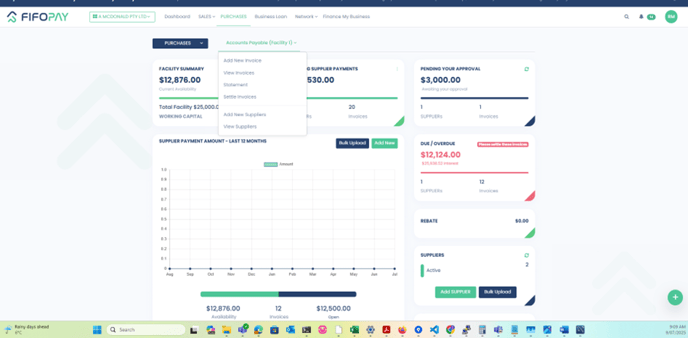
Once you are in the facility main screen, click on the facility name dropdown button and select "Statement".
Enter the desired date range for the statement.
For end of financial year reporting, ensure the end date of the report is 30 June.
Click on "View Transaction Statement" to generate the statement based on your selected date range. 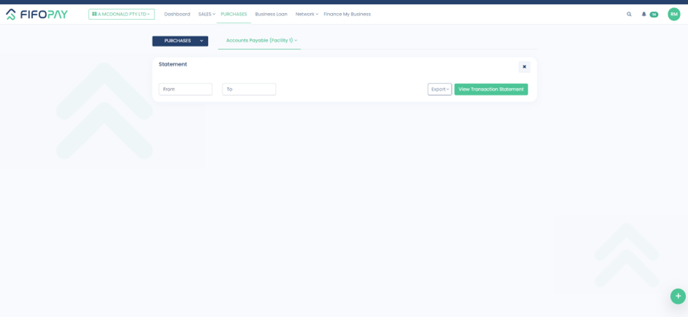 Once the statement is displayed, you will find your point in time principal balance at the bottom of the page.
NOTE: This balance excludes any interest and fees accrued and does not represent a payout figure.
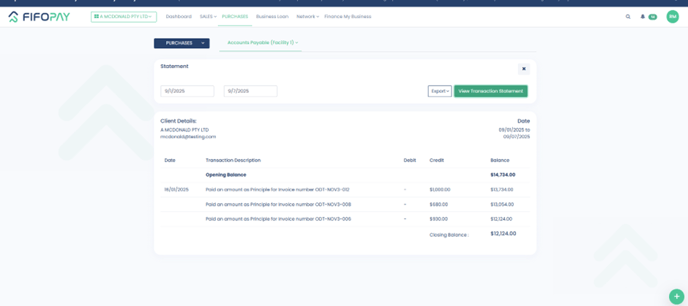
Select "Export" to export as a PDF or Excel document.
TIP: This statement may be useful for your general business end of financial year balance verification and reporting requirements.