
1 From the dashboard on the main menu, navigate to the Accounts Payable section.
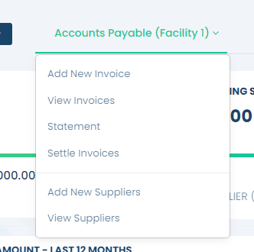
2. In the Accounts Payable section, under the drop down you can go to Settle Invoices to begin the payment process
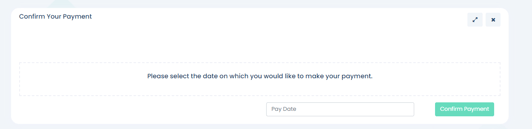
3. A date selection page will come up. Choose the specific date on which you would like to make the payment for your invoices.
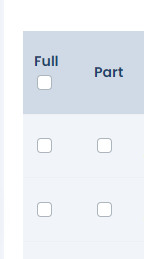
4. A list of outstanding invoices will then be presented to you, please review the invoices and select those you wish to pay. You can choose to make either a Part or a Full payment for each invoice.
5.Once you have selected your invoices, please select the Confirm Payment button at the bottom of the page.

6. You will be shown the Fifo Capital Bank Account details (Account Name, BSB, and Account Number) where you need to manually transfer the payment from your bank.