Reset Password
-
To reset your password, start by clicking the "Forgot Password" link located on the login page.
-
Next, enter the email address associated with your account and click "Submit."
-
After that, check your inbox for an email containing a password reset link, and follow the instructions provided in that email.
-
Keep in mind that the email may also appear in your Junk or Spam folder, depending on your email settings.
Change Password
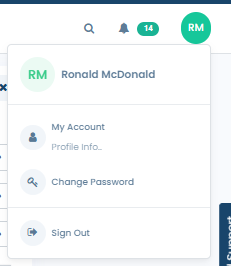
- To change your password after logging into Fifopay, click on your user icon located in the top right corner of the screen, then select the "Change Password" option from the dropdown menu.
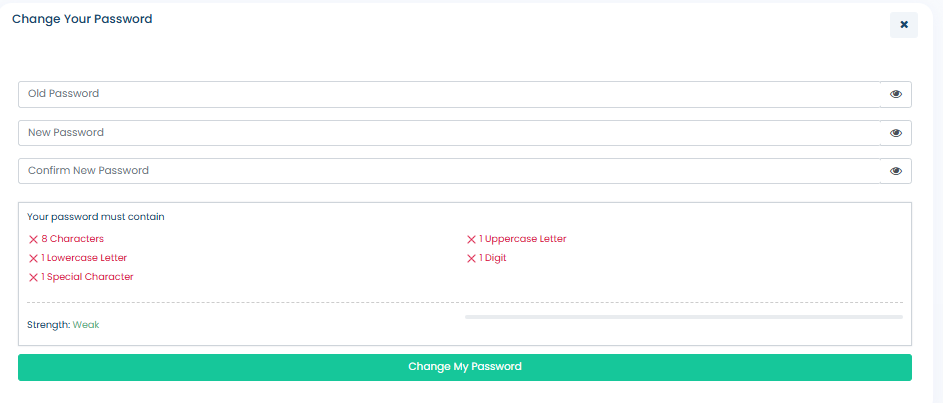
- Provide the required information in the fields below, then click the "Change My Password" button to update your password.